Need to deposit cash but don’t want the hassle of finding a bank branch? PayPoint makes it simple. With over 28,000 locations across the UK- from corner shops to petrol stations- there’s almost certainly one near you. This guide walks you through exactly how PayPoint cash deposits work, what to expect, and how to get your money where it needs to be in minutes.
Table of Contents:
- What do you need for a PayPoint top up?
- How do you find a PayPoint location?
- How to top up at PayPoint
- Does it cost to use PayPoint?
- Is PayPoint safe to use?
- Things to remember when using PayPoint
- Can I Use PayPoint To Deposit Cash I Earn?
- Frequently Asked Questions
What do you need for a PayPoint top up?
Before you go to a PayPoint location, make sure you have:
- Your card: you’ll need the physical card linked to your account
- The cash you want to deposit: exact change isn’t required
- A few minutes: most PayPoint top ups take less than two minutes at the counter
That’s it. No forms, no ID, no appointment.
How do you find a PayPoint location?
Not every convenience shop has a PayPoint terminal. The easiest way to check is to look for the blue and yellow “P” logo- usually displayed in the shop window or near the till.

The most reliable method is to use the official PayPoint store finder before you travel. Enter your postcode and it shows every registered PayPoint location nearby, along with opening hours.
How to top up at PayPoint
Making a PayPoint top up is quick and simple.
Step 1: Take your card and the cash you want to deposit. You don’t need anything else.
Step 2: Tell the cashier you want to top up your card. This is a standard transaction- the staff will be familiar with it.
Step 3: Hand over your card and cash. The cashier processes the transaction on the PayPoint terminal.
Step 4: Ask for a receipt. This is important. Keep it safe until the money has confirmed in your account- it’s your proof of the transaction if anything ever needs investigating.
Step 5: Your balance updates. In most cases the money appears in your account immediately. It can occasionally take up to a few hours.
That’s it. No forms to fill in, no waiting days for a transfer to clear, no branch visit required.
Does it cost to use PayPoint?
PayPoint does not charge customers directly. However, some account providers apply a small fee for cash deposits- this varies depending on your account type and provider. Always check your account terms before making a deposit so you know exactly what to expect.
Is PayPoint safe to use?
Yes. PayPoint is a regulated, long-established payment network that has been operating in the UK for over 25 years. The cashier at a PayPoint location processes your deposit through a secure terminal- they cannot access your account. Every transaction generates a receipt as a record of what was processed.
Things to remember when using PayPoint

Always ask for and keep your receipt. If a deposit does not appear in your account, your receipt is the evidence you need to investigate. If something has gone wrong within the PayPoint network, you will need to contact PayPoint directly and your receipt is essential for that process.
You can use any PayPoint location. You do not need to return to the same store. Any registered PayPoint outlet in the UK will work- useful if you are travelling or away from home.
Check the store is open and accepting cash. Opening hours vary by store. Use the PayPoint store finder to check hours before you travel.
Can I Use PayPoint To Deposit Cash I Earn?
Yes, you can and many people do.
PayPoint cash deposits are useful for anyone who handles cash regularly and needs a quick, convenient way to add it to their account. This includes self-employed workers, gig economy workers, market traders, and people who prefer to manage their money in cash rather than digitally.
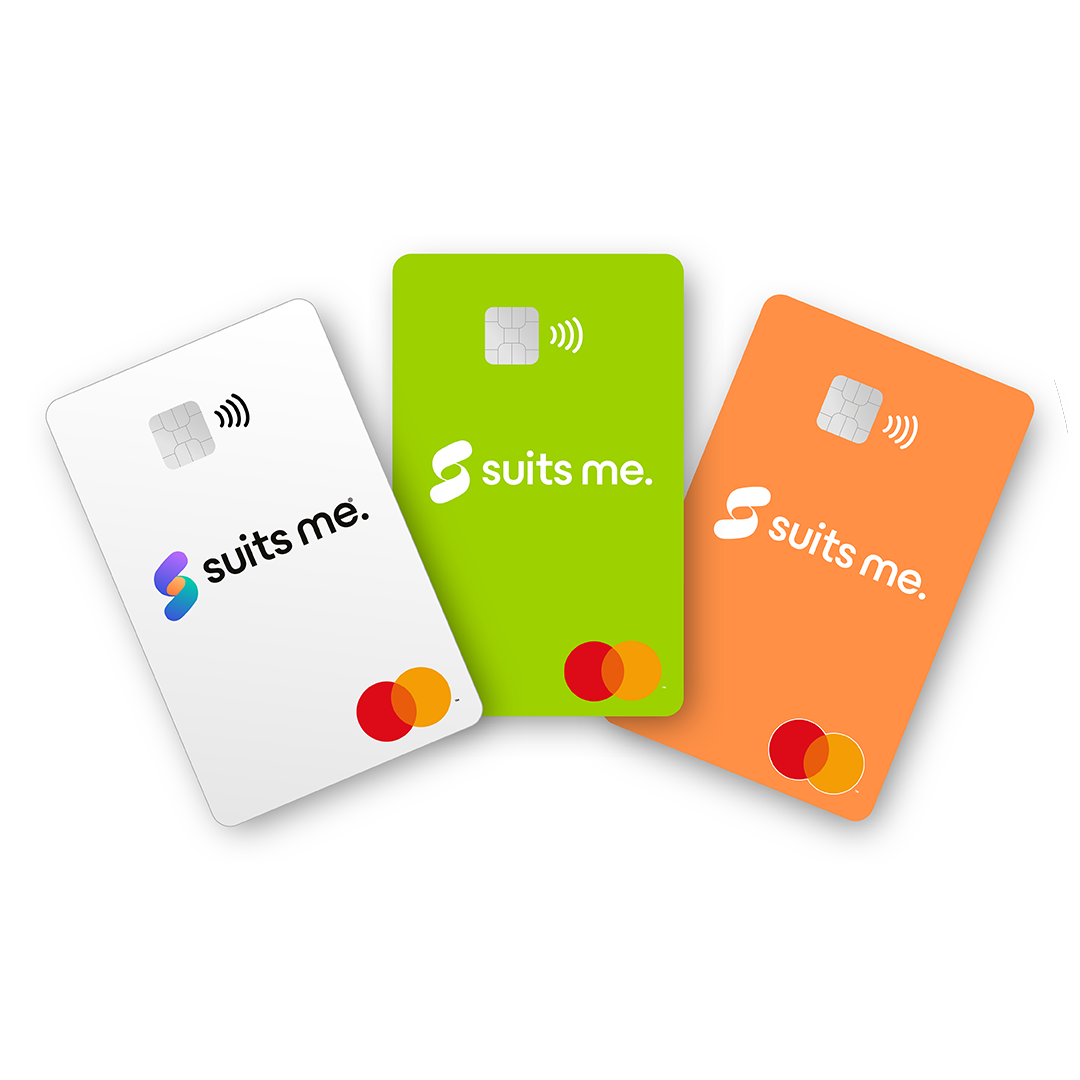
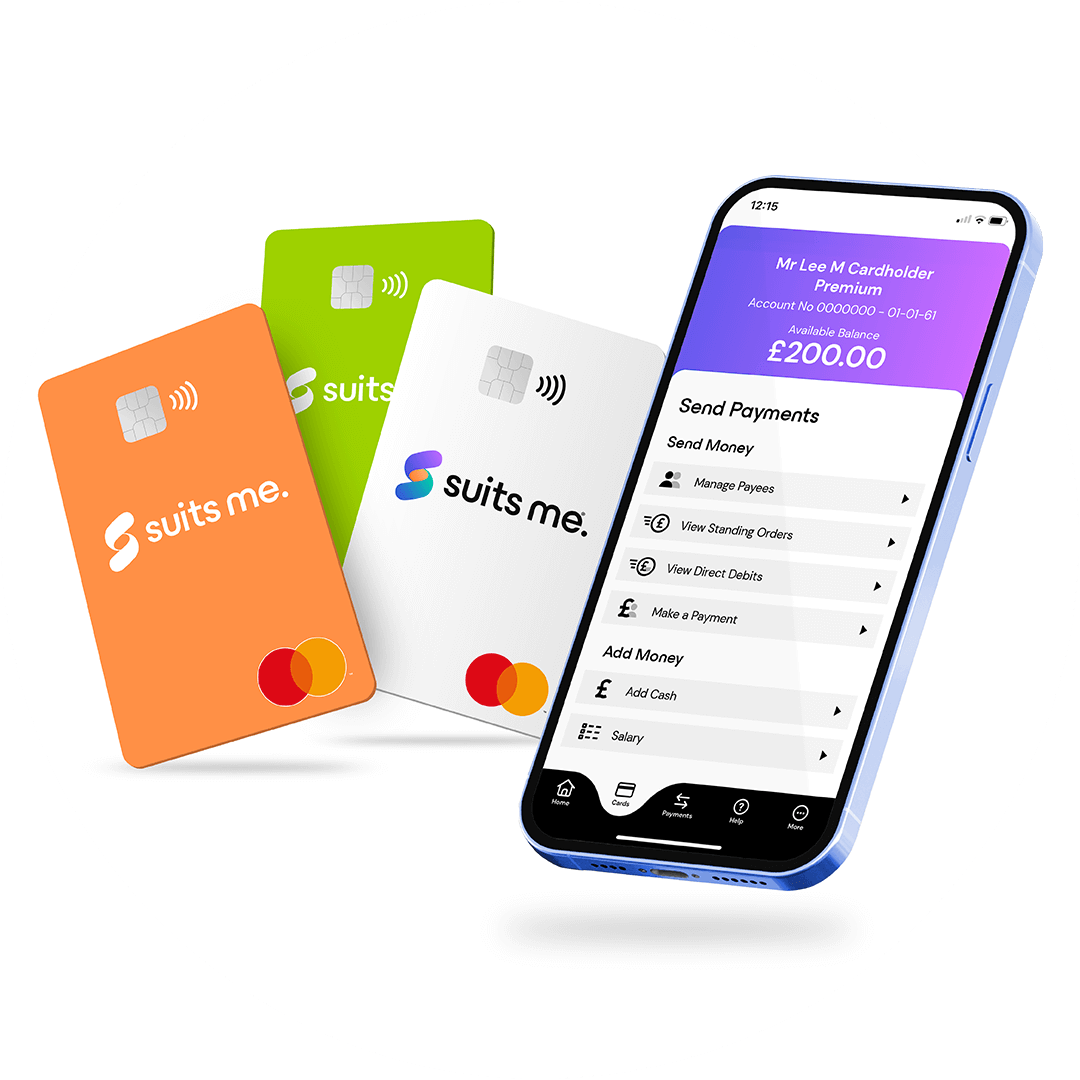
It is also a strong option for people who do not have a traditional bank account. Alternative account providers like Suits Me® support PayPoint cash deposits, meaning you can deposit cash at your local shop and manage it through a mobile app and contactless Mastercard® without ever needing a high street bank account.
Frequently Asked Questions
How long does a PayPoint top-up take to appear?
In most cases the money appears immediately. It can occasionally take up to a few hours. S
Do I need my card to top up at PayPoint?
Yes, you’ll need your card with you at the PayPoint location when you make the deposit. S
What if my deposit doesn’t arrive?
Keep your receipt as proof of the transaction. Contact PayPoint first as the deposit occurs within their network.
Can I top up at any PayPoint location in the UK?
Yes, any registered PayPoint outlet will work. You don’t need to use the same store each time.
Where can I find my nearest PayPoint location?
Use the official PayPoint store finder.