So, you’ve got a prepaid card, but you need to add more money to it. How do you actually top it up?
Luckily, it’s straightforward and can be done in several different ways. You can only spend the amount of money you have on a prepaid card at any given time, so it’s always useful to know how you can add funds to it.
Table of Contents
- What Does “Topping Up” Mean?
- Ways To Top Up a Prepaid Card
- Online Payment Transfer
- Loading Physical Cash
- Top Up at ATMs
- Third Party Payments
- What Else Should I Know Before Topping Up?
- How Suits Me® can Help
- Frequently Asked Questions
What Does “Topping Up” Mean?
Topping up simply means adding money to your prepaid card.
Unlike a credit card or overdraft, you can only spend what is already on the card. And when the balance runs low, you need to top it up again before you can keep using it.
For example, if you wanted to spend £40 on food shopping but you only had £35 on your prepaid card, you would not be able to make the transaction.
Ways to Top Up a Prepaid Card
There are several common ways to add money to a prepaid card.
1. Online Payment Transfer
This is the most popular method.
You can load money onto your prepaid debit card by logging into the website of the card issuer and transfer money across from another account. For example, you could move £50 from your main bank account to your prepaid card for an ongoing subscription.
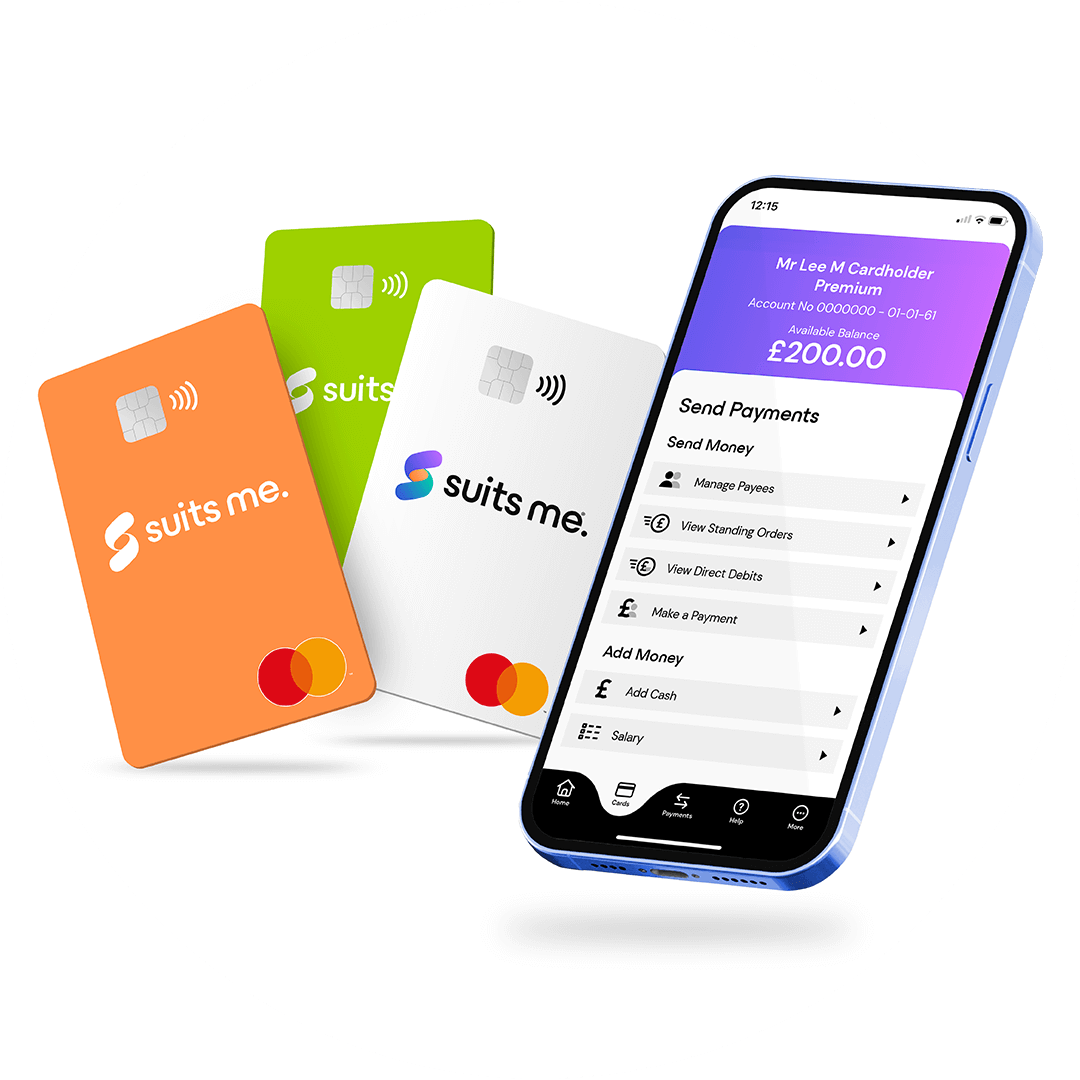
Many prepaid debit card issuers have their own mobile apps and you can use them to load funds onto your card from another account.
This method is fast, convenient and easy to track digitally.
2. Loading Physical Cash
If you receive cash as a gift or as payment, you can load it onto a prepaid card instead of carrying it around.
This can usually be done by taking the cash to an approved retailer who will load it onto your card. Your card issuer will provide you with a list of retailers where you can load cash onto. Or, if your card issuers are linked to a traditional bank, you can also load cash onto your card at any of their branches.
This is useful if you:
- Get paid in cash
- Receive cash gifts
- Want safer storage than physical money
3. Top up at ATMs
Some prepaid debit cards allow cash deposits at certain ATMs. You may have to use an ATM that is affiliated with your card issuer to load cash in this way.
You’ll need your card and PIN to do this. The same pin is used for cash withdrawals and in-store payments over the contactless limit.
Not all cards support ATM deposits, so always check first.
4. Third-Party Payments
You can also top up your card by having money sent to it by someone else.
This includes:
- Salary payments
- Benefits or pensions
- Regular transfers
This is one of the easiest ways to keep your card topped up automatically. All you need to give the other person is your name and account details.
What Else Should I Know Before Topping Up?
Most prepaid cards will involve top-up fees. These are usually between 1% and 3%. Some card issuers may require you to load a minimum amount onto the card each month. It’s important to check fees first so you’re not surprised.
If you use your prepaid card often, getting your wages paid onto it can help avoid missed minimums and keep your balance healthy
How Suits Me Can Help
If you’re looking for a prepaid card that’s genuinely easy to get and simple to use, Suits Me® is designed with that in mind.
To send you a free prepaid card, we don’t ask for three months of proof of address, we don’t carry out credit checks, and we don’t require minimum deposits just to unlock rewards or discounts.
Applying takes only a few minutes, and once you’re approved, you can start topping up and spending straight away.
Frequently Asked Questions
How Long Does a Top Up Take?
For online transfers and salary payments, top-ups are usually instant or same day. Cash and ATM deposits may take longer depending on the provider.
Is There a Limit to How Much I Can Top Up?
Usually, yes. Most prepaid cards have daily or monthly limits. It’s important to check this first to avoid any surprises.
Can I Top Up a Prepaid Card with Another Prepaid Card?
Usually, no. Most providers only allow top-ups from bank accounts, debit cards, cash or third-party payments.
What Happens if My Card Runs Out of Money?
If you run out of money, your prepaid card will stop working until you top it up again. Payments will be declined and no overdraft is possible.
Can I top up a prepaid card as a gift for someone else?
Yes, many prepaid cards can be topped up by a third party, making them a practical alternative to cash gifts. You’ll typically just need the recipient’s account details to send money directly to their card. It’s a convenient option for birthdays or other occasions where you want to give someone money but prefer not to hand over physical cash.
Will topping up my prepaid card affect my credit score?
No. Prepaid cards are not linked to credit in any way, so topping up and spending on a prepaid card will not appear on your credit file or have any impact on your credit score.
Is it safe to top up a prepaid card online?
Yes, as long as you are using your card issuer’s official website or app. Always make sure the web address is correct and that the page is secure before entering any details. Avoid topping up through third-party websites you don’t recognise, and never share your card details in response to an unsolicited message or email claiming to be from your provider.